✨
The Best Stay Starts Here
✨
Book directly with Kalliste Boutique Stays for the best rates, personalised service, and exclusive guest benefits
✨ The Best Stay Starts Here ✨ Book directly with Kalliste Boutique Stays for the best rates, personalised service, and exclusive guest benefits
Check in Instructions
1. Arrival at Oakwood Apartments
Step 1
Whale Walk Apartment is located in Oakwood Apartment Building, Apartment 102.
Address : 10 Dirkie Uys Street, Hermanus.102
Entrance to the building and parking are on Paterson street.
If the garage door is open on arrival proceed to park inside - parking bay number 102 [ second last parking on right].
Step 2
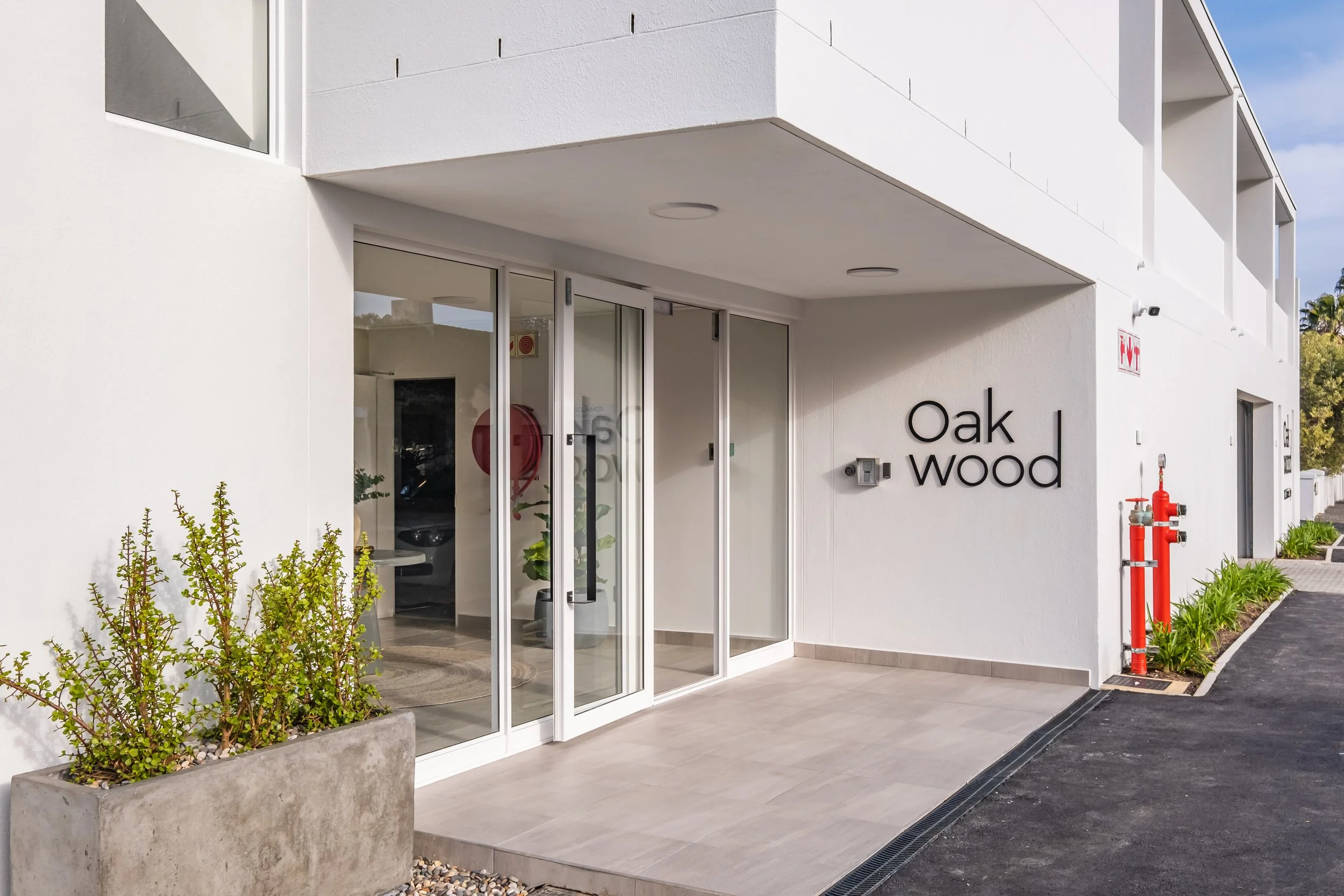
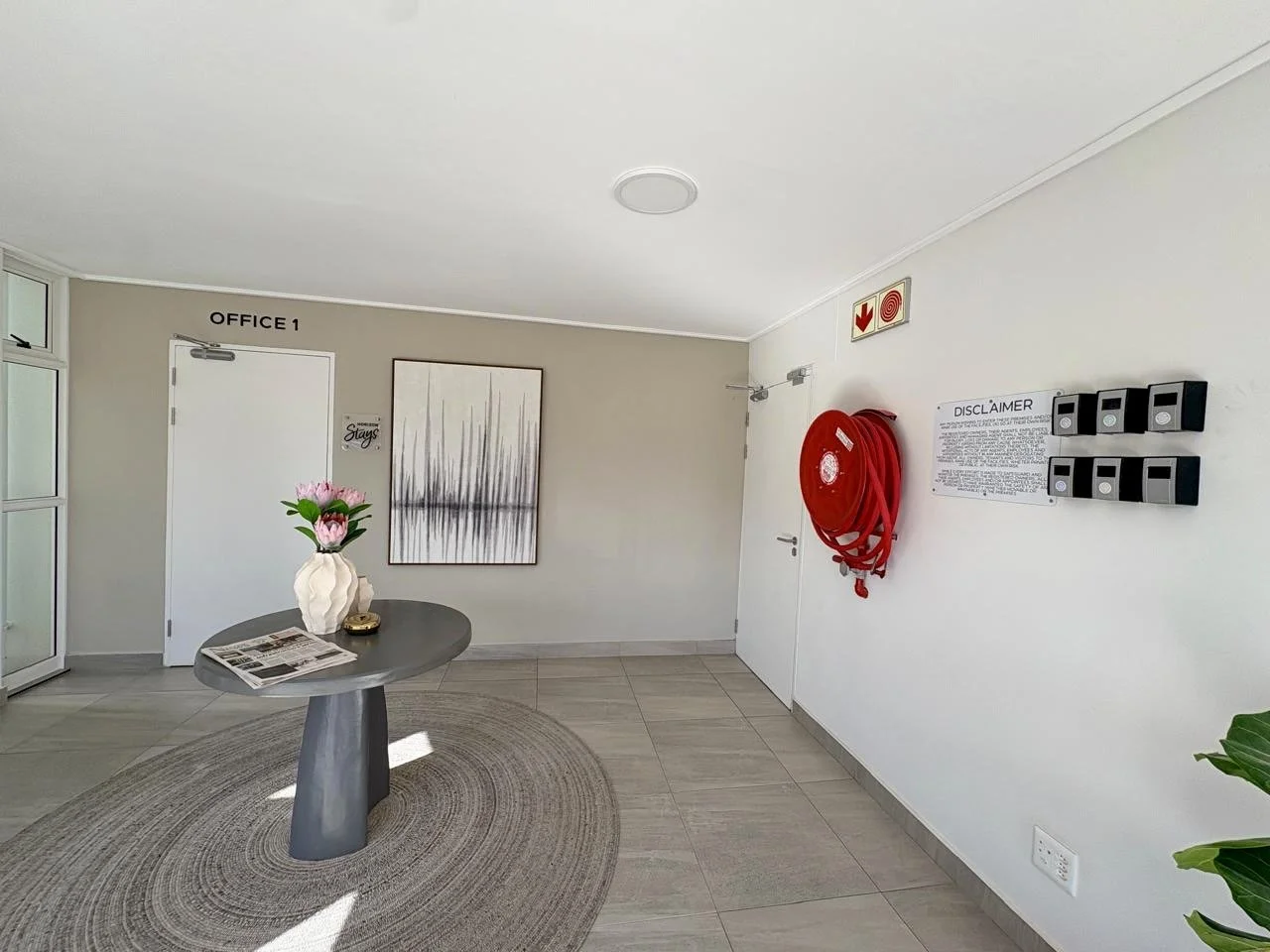
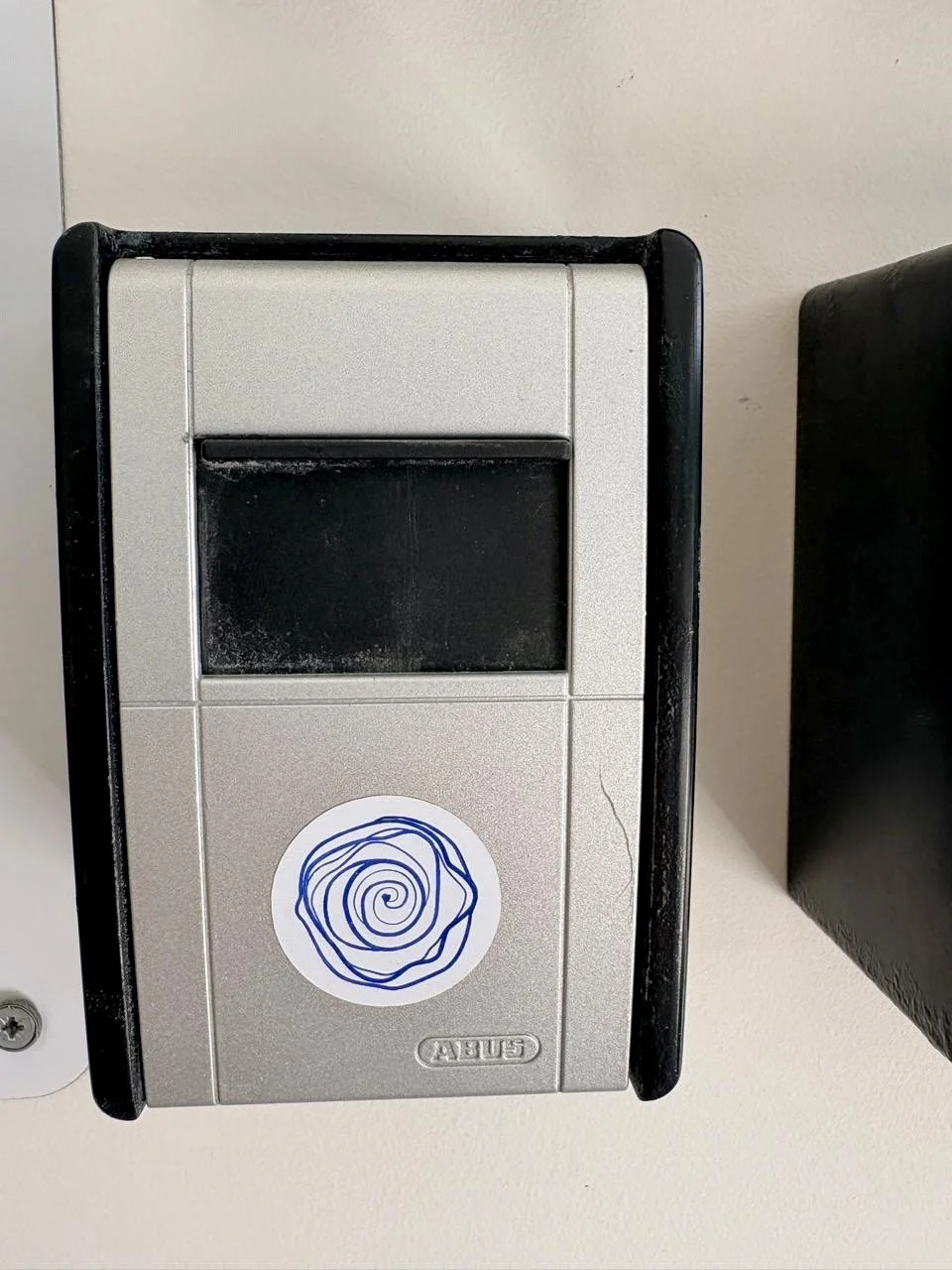
Keys to the apartment and a remote for the garage are in the lockbox in the foyer
Access the foyer via the door on Patterson street
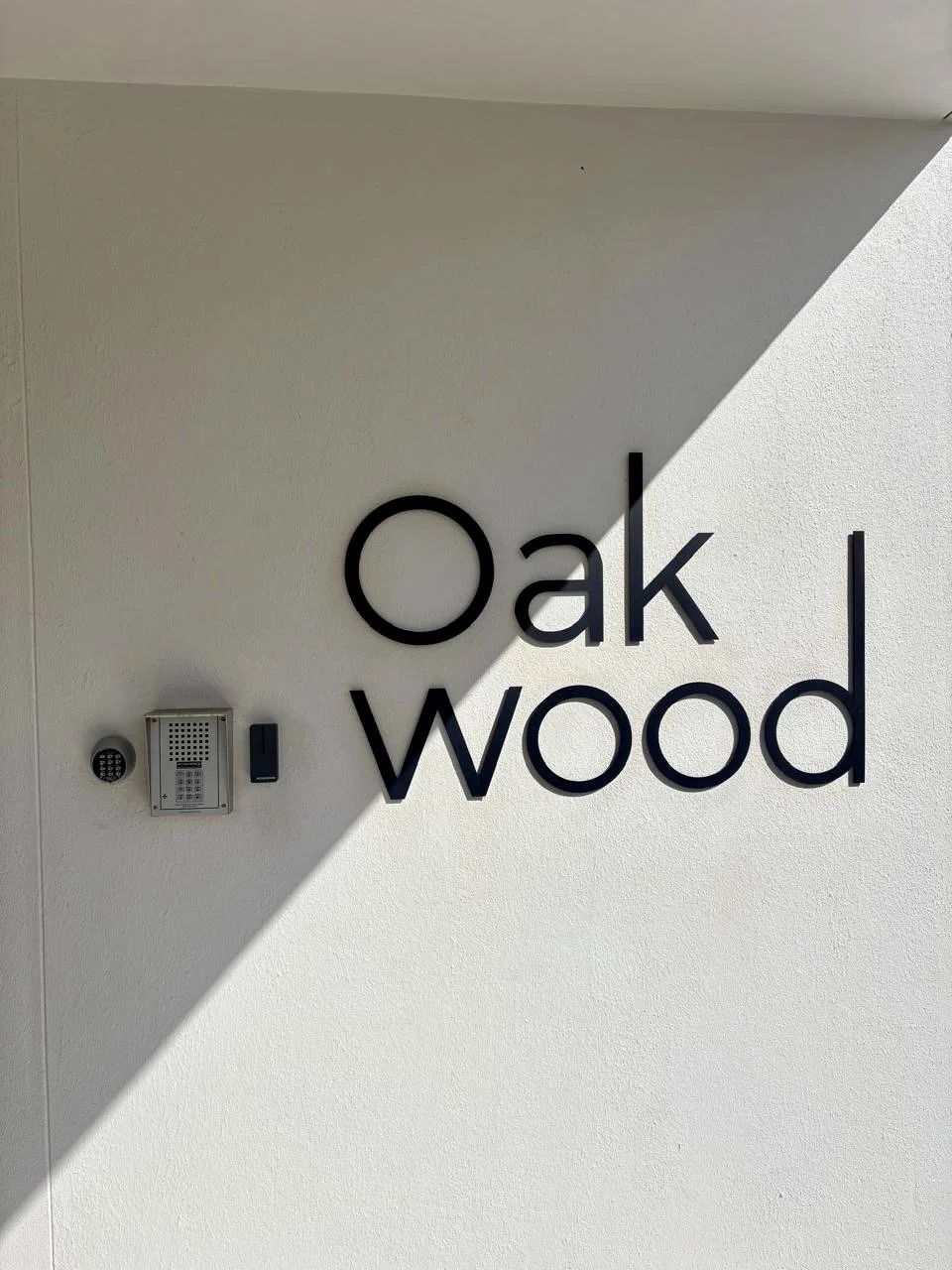
To enter the building, enter the PIN, received via WhatApp, into the big keypad in the centre - the intercom. These can be found to the left of the Oakwood sign at the entrance to the apartment block.
Step 3
Your lockbox has a blue sticker. The code is 1020
Please remember to scramble the code again after use.
Step 4
If you have already parked your vehicle, the parking area is accessible via the door next to the Fire Hydrant.
The remote on the set of keys will open the garage door.
The garage door is open from 08:00 to 17:00 Mon - Fri and closed outside of these hours, requiring the garage remote for access.
2. Make your way to Whale Walk Apartment
Step 1
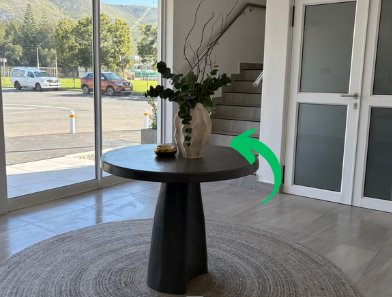
On entering the main lobby, follow the stairs to the first floor.
The tag on the keyring will open all doors, including the lobby door from the outside. A black finger print button on the wall on the inside will open the lobby door to exit.
Step 2
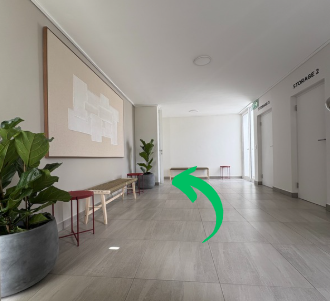
Once you reach the first floor, take the exit on the left. If you continue up the stairs, you’ll find our rooftop pool and deck.
Step 3
Proceed straight down the passage - toward the oak tree.
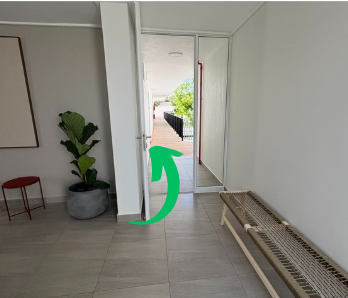
Step 4
Whale Walk Apartment, unit 102 is the second door on the left.
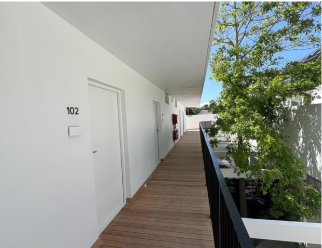
Step 5
Turn the smart lock unit so the keypad is visible.
Press any key to activate the unit.
Place the tag on your set of keys over the keypad (touching the keypad).
You will hear the lock engage, turn the smart lock unit (black box) clockwise as you would turn a normal key to unlock.
This same method locks the door, turning the mechanism anti-clockwise.
There is a knob inside the apartment that locks & unlocks from the inside, without the tag.
Please lock the door from the outside when leaving the apartment. The same steps are followed to lock, just turning the lock clockwise.
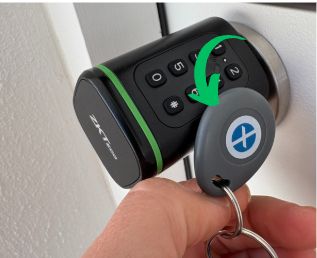
Step 6
Realx & Enjoy !
The rooftop pool with picturesque views of Hermanus is yours to enjoy throughout your stay.
It is located on Level 2, which is accessible when you continue up the flight of stairs.
The pool is private to the building and guests staying at Oakwood apartments.
There are swimming towels available in the apartment.
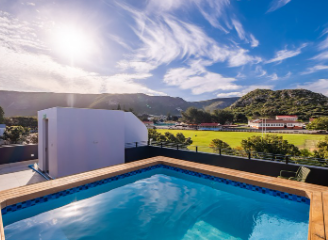
Step 7
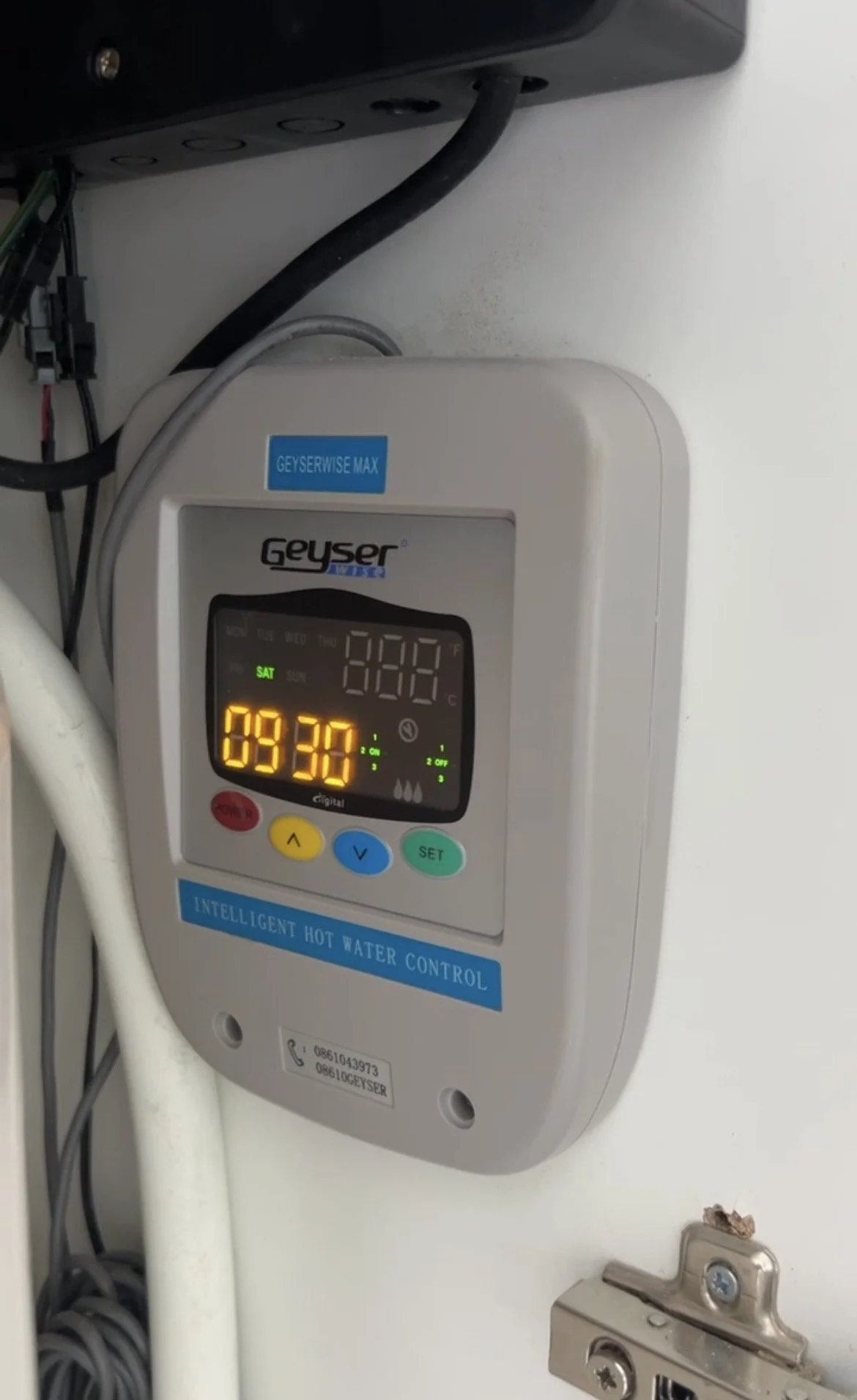
Check to confirm the hot water system is on to ensure it hasn’t switched to holiday mode……
The controller will most likely be on - this is a precautionary step.
Locate the hot water control panel - upstairs bathroom in cupboard next to the toilet.
If the display is fully lit - time & hot water droplets etc - no further action is required.
If only the time is displayed - press the RED & BLUE buttons simultaneously.
The unit will switch on displaying RED DROPLETS in the bottom right of the display.
The water will heat up within 30 min - no further action required.